Turn repetitive data tasks into workflows you own.
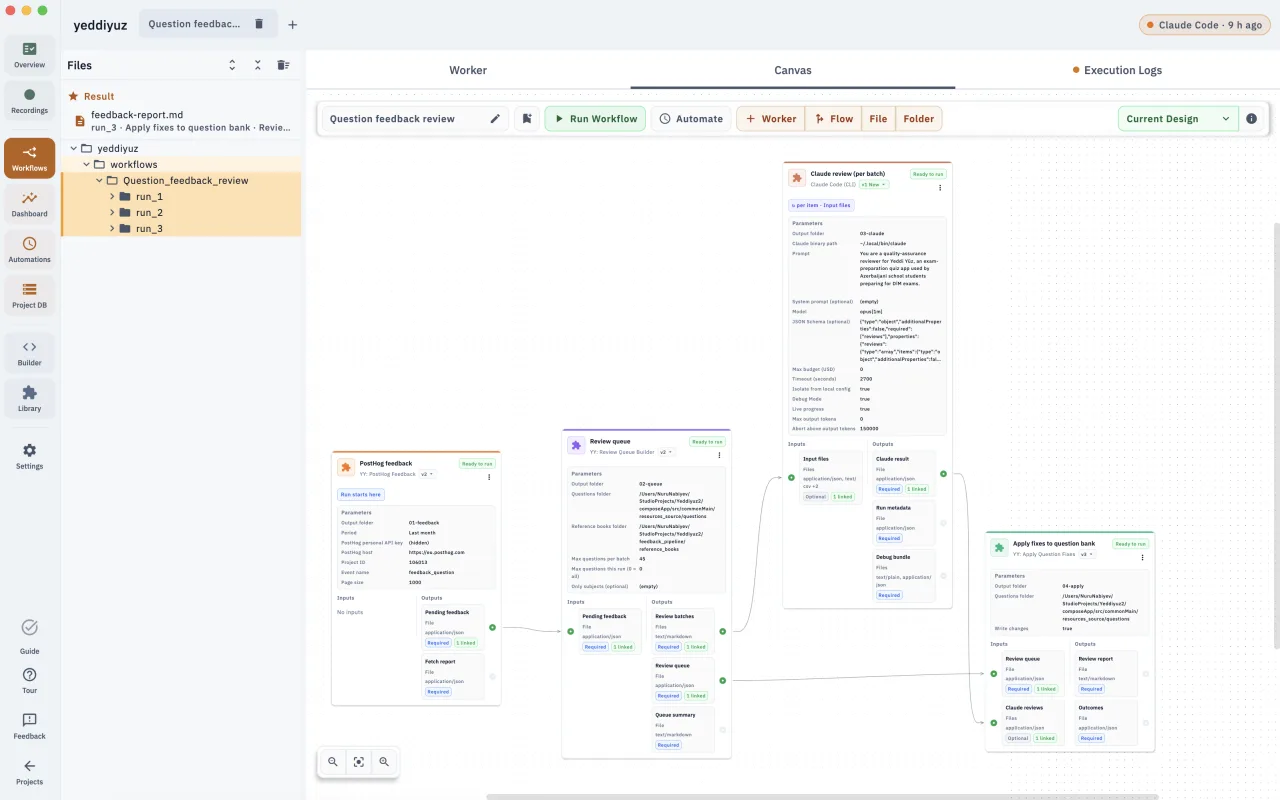
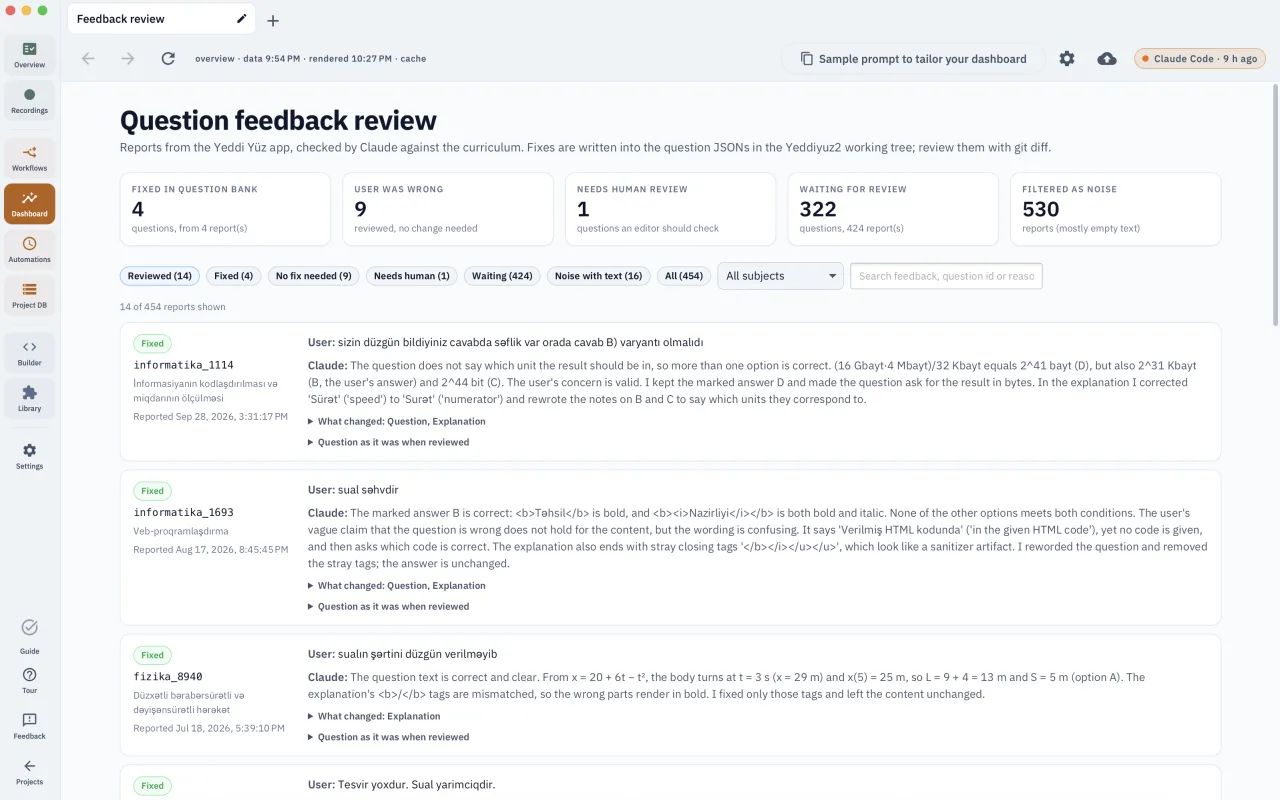
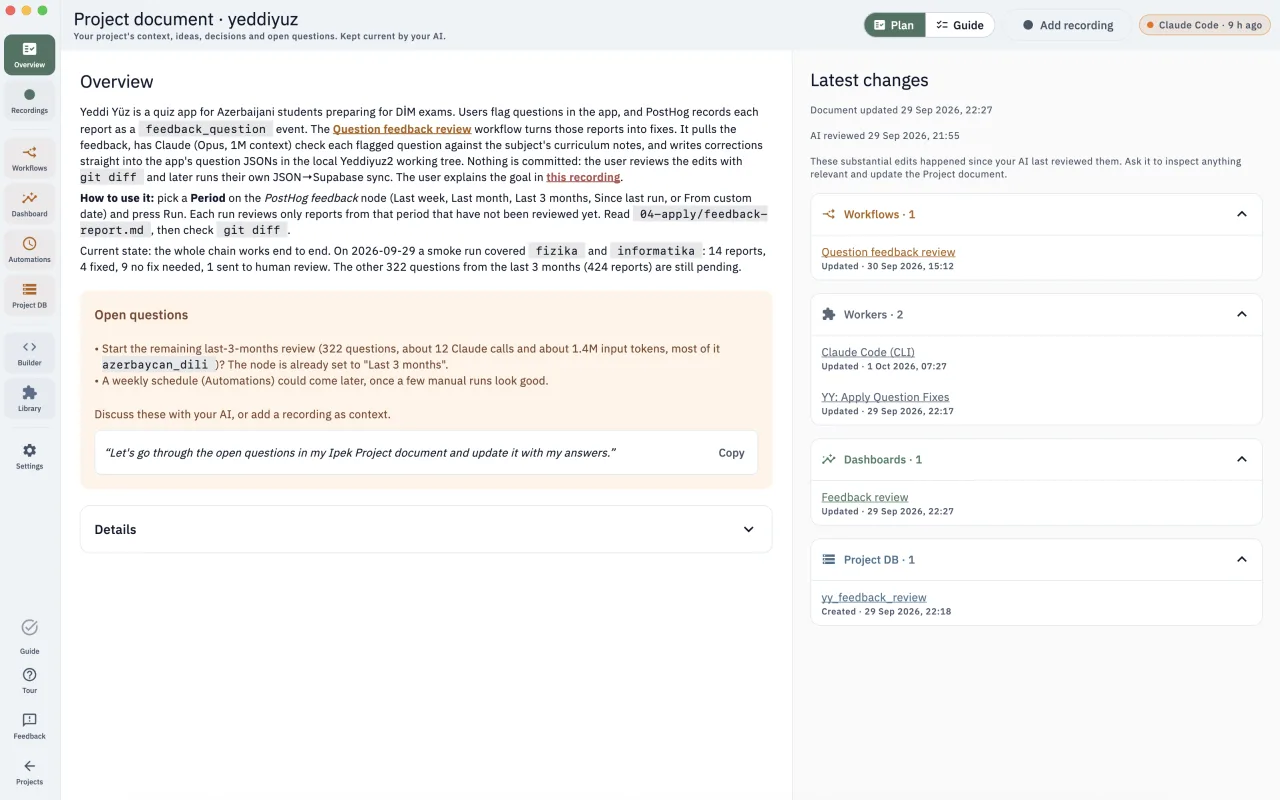
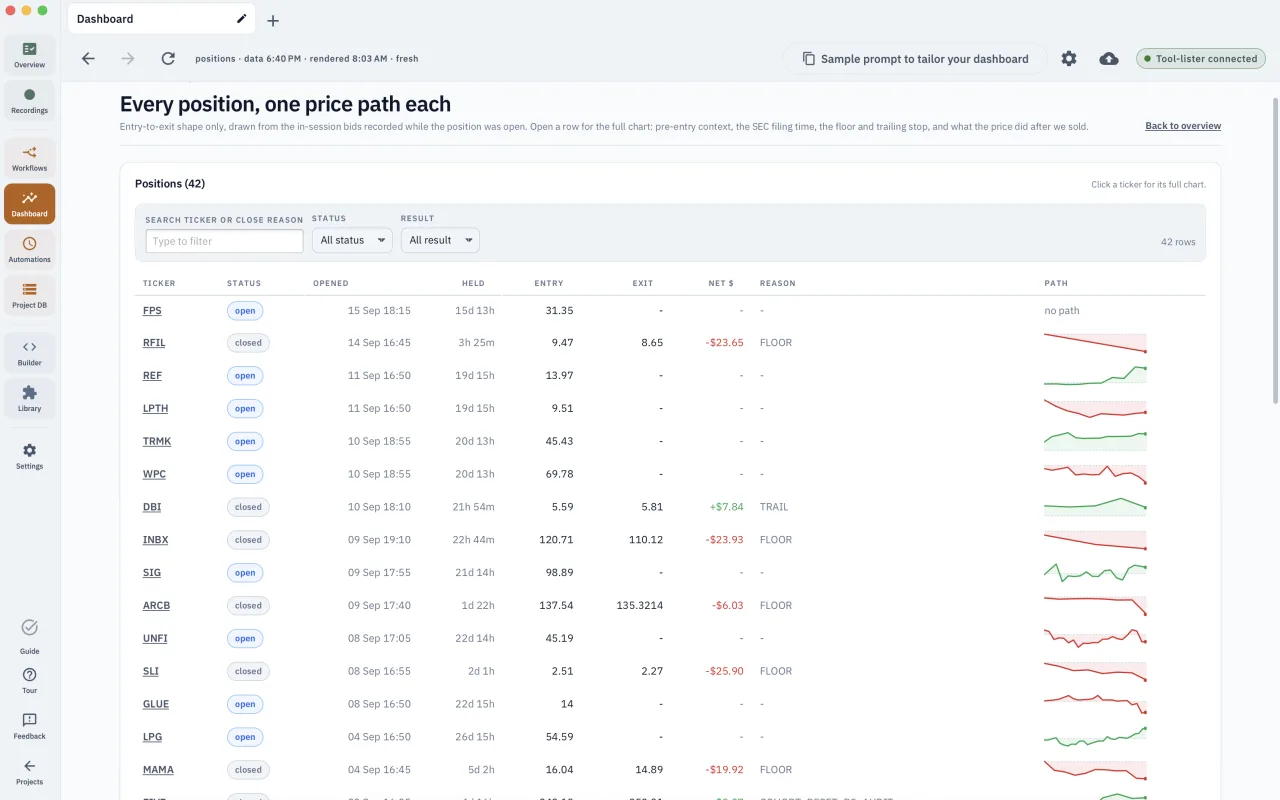
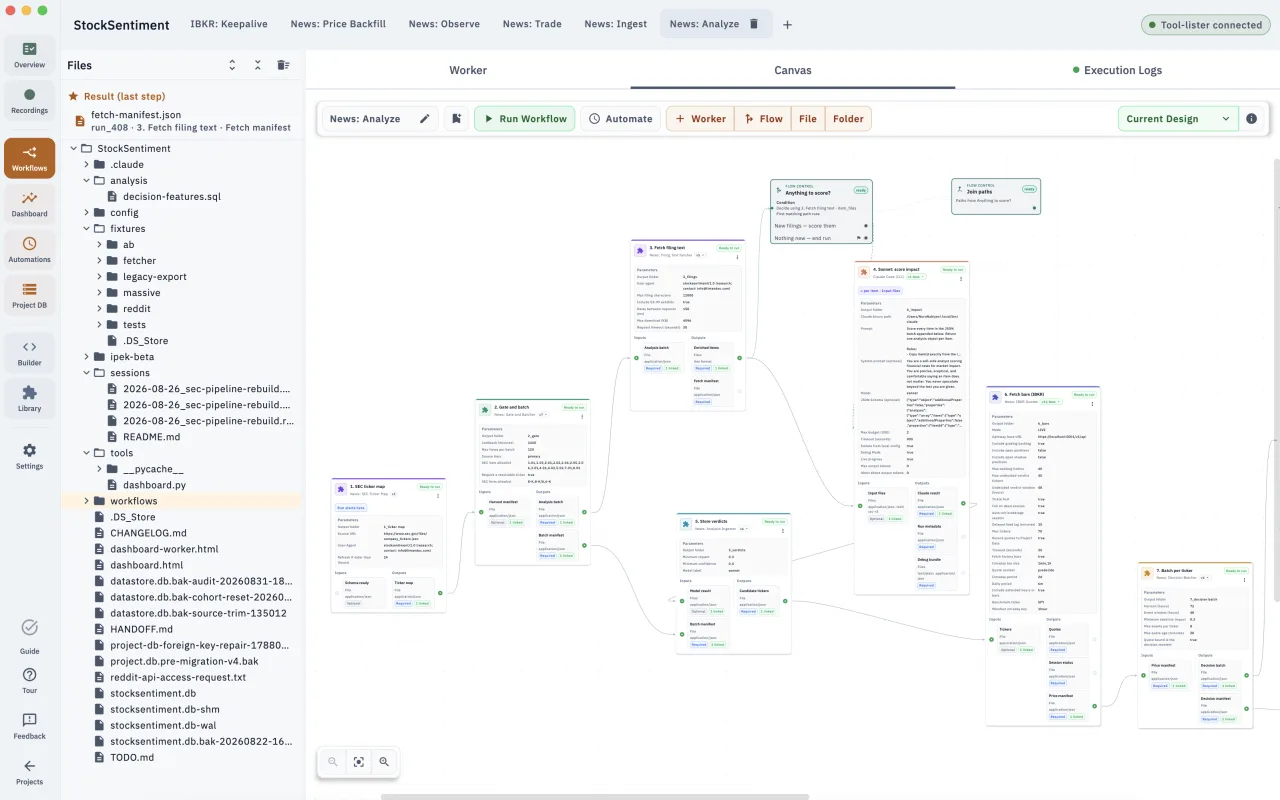
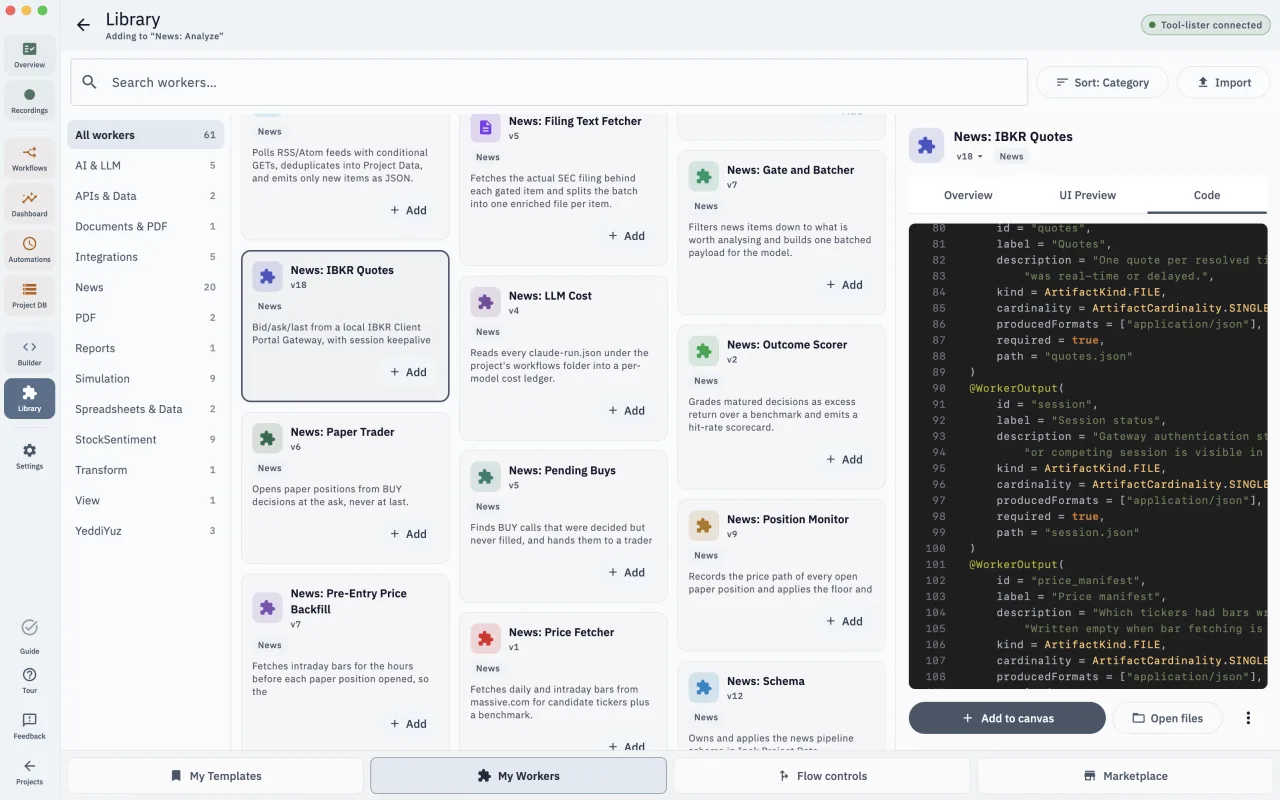
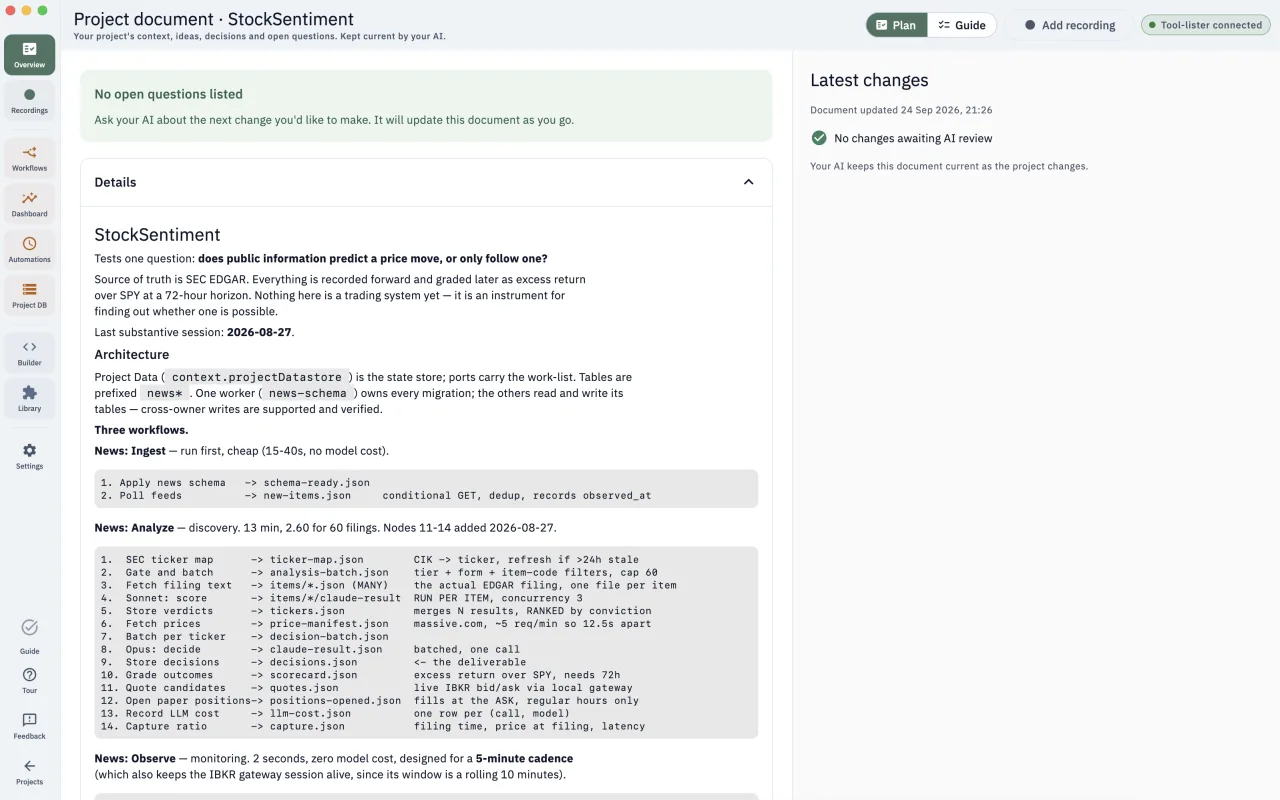
Describe the process you want to automate — combine APIs, extract from PDFs & spreadsheets, clean up exports — and Ipek builds the workflow on the canvas.
No account needed · Free
Use cases
For the people who run the process, not the people who write code.
Ipek was born out of frustration: I kept having to vibecode my automations by hand, with no visual way to build, run, and maintain them. What's your pain?
How it compares
Two ways to do the job.
Both can automate the job. Here's where each one lands for the work Ipek is built for.
| Capability | Zapier / Make | Ipek |
|---|---|---|
| Where the workflow runs | ✗ On their cloud — your data goes there to be processed | ✓ On your machine, in parallel |
| What each run costs | ✗ Every step × every item is a billed task | ✓ Nothing — no per-task fee, run the workflow as often as you need |
| Who builds the steps | Low-code, but you wire up every step | ✓ AI builds and debugs them — and you can read the code it wrote, which belongs to you now |
| Your files and your apps — folders on your disk, plus the tools you already use | Great with apps — but cloud-only, so your local disk is out of reach | ✓ Both — and finished files land on your desktop |
| Whose AI account the workflow runs on | ✗ Their platform, their billing | ✓ Your key, no markup — or your own agent over MCP |
| Starts without you (a schedule, a new email) | ✓ Many built-in triggers, webhooks, and schedules | Not yet — today you press run. Schedules and webhooks are coming. Join the waitlist → |
Developer-focused tools like n8n, Windmill, and Pipedream can do a lot of this too — if you're happy running a server/docker or wiring up every step yourself. Ipek is the version for non-technical team leads who want to optimize their process: it installs like a normal app, and the AI plans & builds the workflows just for your needs.
FAQ
Honest answers.
Does my data leave my computer?
Your files stay on your machine. The one part that talks to the internet is the AI that helps build the steps — and we're always clear about exactly what gets sent.
Do I need to write code?
No, AI does. You describe what you want in plain words and Ipek AI can plan the workflow, build or update the workers, and wire them when permissions allow. You can open and adjust those workers, but you never write code yourself - yet you can always read what Ipek wrote and review builds before using a new version.
Is the AI free? Do I need a Claude API key?
Two things to separate here — the app and the AI. We have Ipek AI chat in the app, but you can also connect your own agent via localhost MCP that the app supports. The Ipek AI chat in the app uses your own Anthropic Claude key, so it's "bring your own key": you add it once in Settings, and from then on only the requests that build a worker, use Ipek AI tools, or ask the chat anything go to Anthropic, straight from your computer. We don't have servers at all — there's no Ipek account or middle-man in between, so we never see your key. And running the workers you've built is free — once they're set up they run locally on your desktop. You pay Anthropic directly for the AI you use (usually cents per run), with no Ipek markup. A key is only needed for bundled Ipek AI — if you'd rather use the AI you already have, you can connect your own agent over MCP instead, and it runs on whatever model and billing that agent uses (more on that below).
Can I use a local LLM instead of Claude? What about MCP?
MCP is here now. Ipek speaks localhost MCP, so you can bring your own agent (BYOA): connect the AI tool you already use — Claude Desktop, Cursor, Claude Code, or any MCP client — and drive the same app-owned tool surface from it. Native local-LLM support for bundled Ipek AI is still on the roadmap — once Ipek has proven the concept it promises, we'll add the option to run Ipek AI against models on your own machine. In the meantime, if your own agent already runs on a local model, BYOA effectively gets you there today.
Get it
Start building your workflows.
No account or payment needed. Everything runs on your own machine, offline.
Waitlist
Get release updates.
Be the first to hear about new features, new releases, and Linux support as they land.