How Ipek compares
Already have a script, an n8n workflow or an AI coding assistant? Here’s what Ipek adds, and when what you have is enough.
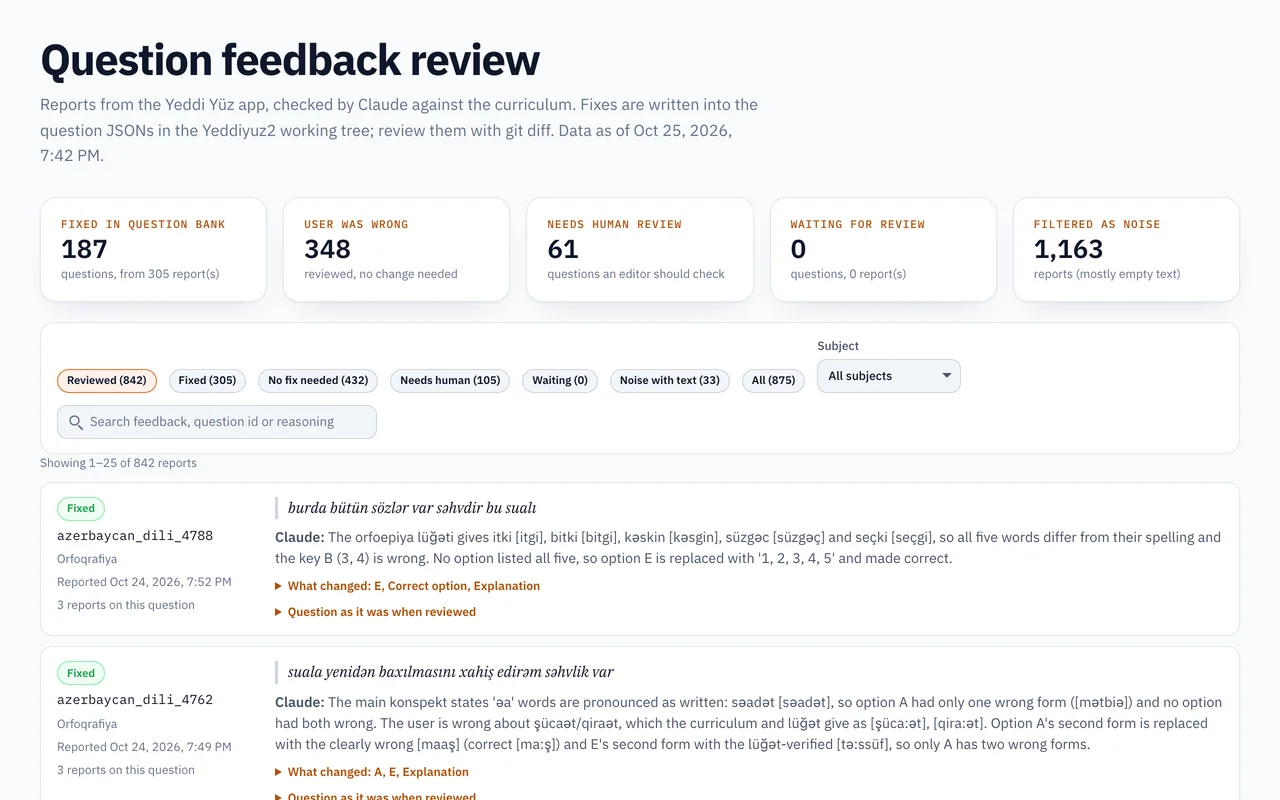
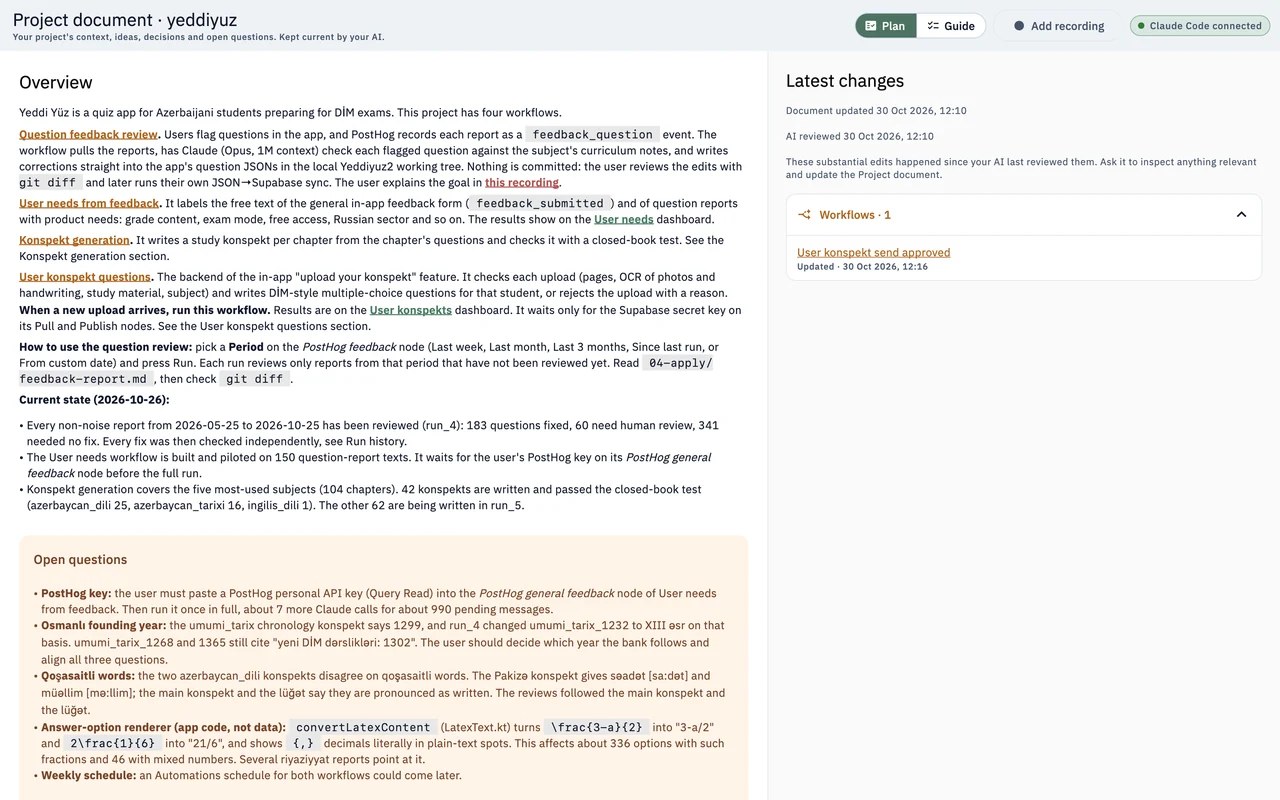
I built Ipek for recurring work I wanted to run and inspect from one desktop app.
A script and a cron job
Ipek vs a plain script
A script and cron may be all you need. Ipek becomes useful when you also want each step’s output saved, data that carries over between runs, and a dashboard to review the results. You can build all of that around a script yourself; Ipek gives it to you in one app.
| Aspect | Plain scripts | Ipek |
|---|---|---|
| Failure alerts, checkpoints, retries | You build them yourself | Failures per item and reruns of failed items, built in |
| What a run leaves behind | Whatever you decide to log | Every step’s output, saved per run |
| Memory between runs | Your own files or database | A project database your AI sets up |
| Reviewing the results | A page or spreadsheet you build | Dashboards your AI builds |
Stick with a plain script if
the job is small, it runs on a server you already look after, and a log line tells you everything.
Worth knowing
Ipek runs on your computer, so it needs to be awake. A script on a server keeps going when your laptop is closed. Deploying your workflows to your own server, headless, is coming soon.
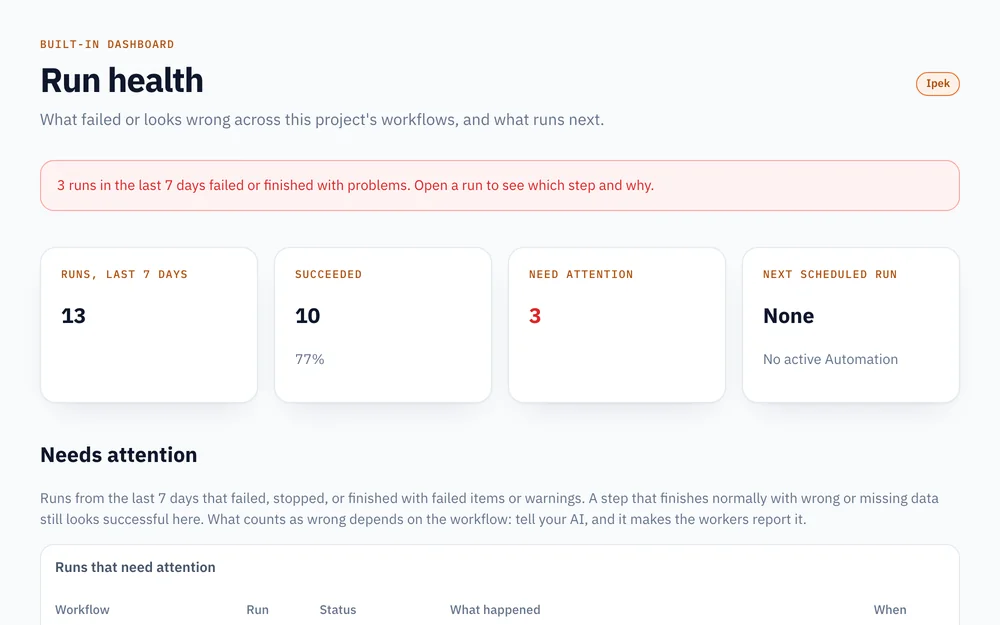
Hosted or self-hosted workflows
Ipek vs n8n
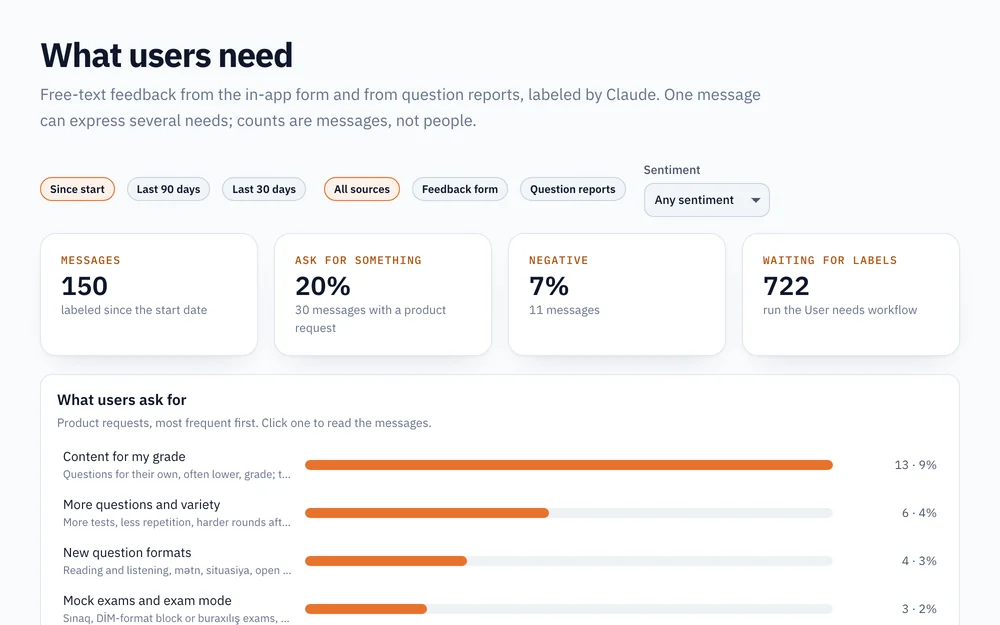
n8n offers hosted and self-hosted workflow automation, with hundreds of ready integrations, an AI workflow builder and an MCP server your AI can use. Ipek is a desktop app instead of a server: your AI writes each step as code you can read, and the results land in dashboards over your own data.
| Aspect | n8n | Ipek |
|---|---|---|
| Installation | n8n Cloud, or your own server or Docker | A desktop app, no server |
| Integrations | Hundreds of ready nodes | Your AI writes the connector it needs |
| Starts without you | Webhooks, app events and schedules | Schedules while Ipek is open; server deploy coming soon |
| Reviewing the results | Execution logs and data tables | Dashboards over your data |
Stick with n8n if
you need ready connectors for many apps, webhooks today, or one server your team shares.
Worth knowing
Ipek doesn’t support webhooks or app-event triggers yet, and runs only while your computer is awake. Webhooks and headless deploy to your own server are coming soon.
Sources · Reviewed October 2026: n8n pricing · n8n MCP server
Scripts, flows and apps for teams
Ipek vs Windmill
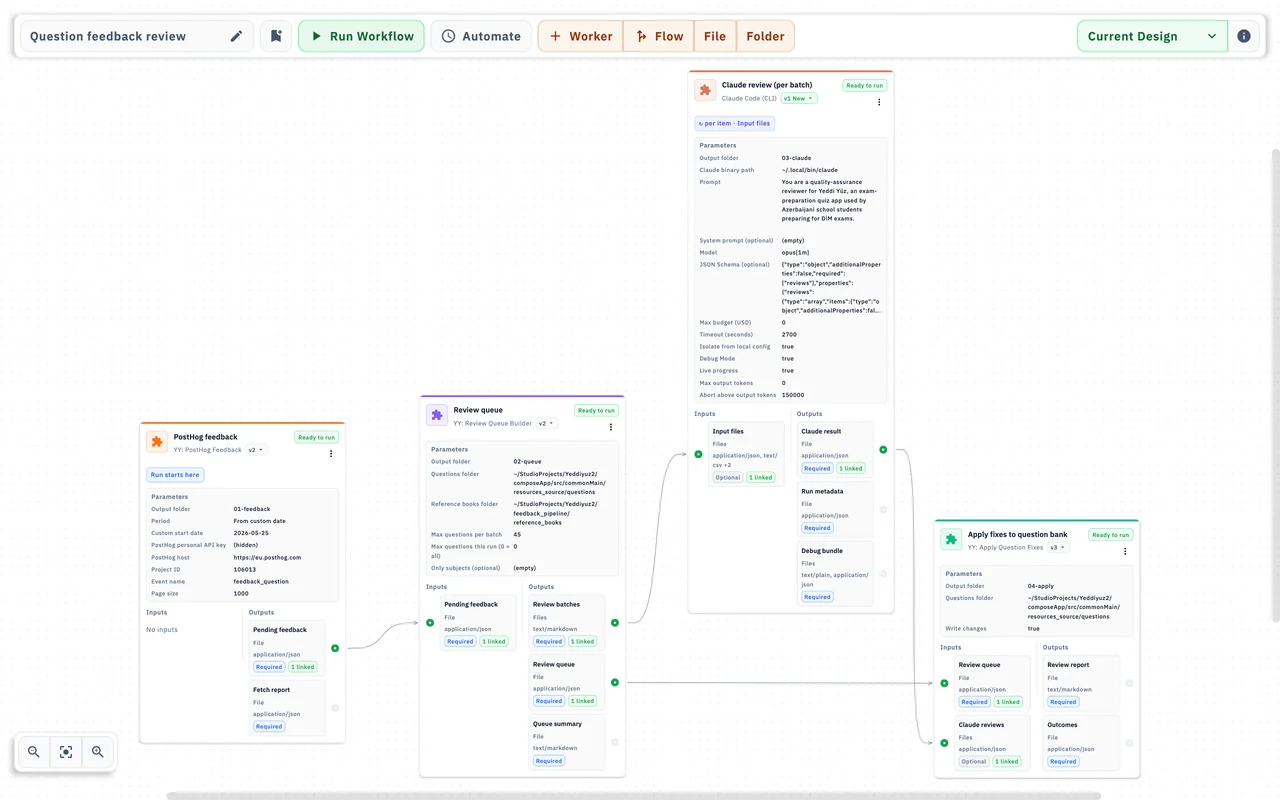
Windmill runs scripts, flows and internal apps, as a managed cloud or on your own servers, and AI clients like Claude or Cursor can work with it over MCP. It’s built for teams: many languages, scalable workers, permissions. Ipek is narrower on purpose: one desktop app where your AI builds and runs your operations.
| Aspect | Windmill | Ipek |
|---|---|---|
| Languages | Python, TypeScript, Go, Bash, SQL and more | Kotlin workers your AI writes |
| Deployment | Windmill Cloud or your own servers | Your computer |
| Teams | Workspaces, permissions, shared runs | One person per project for now |
| Interfaces | An app builder for internal tools | Dashboards your AI builds |
Stick with Windmill if
a team shares the work, jobs must run around the clock, or you want to choose the language.
Worth knowing
Ipek has no shared team workspaces yet.
Sources · Reviewed October 2026: Windmill · Windmill MCP
No-code app automation
Ipek vs Zapier
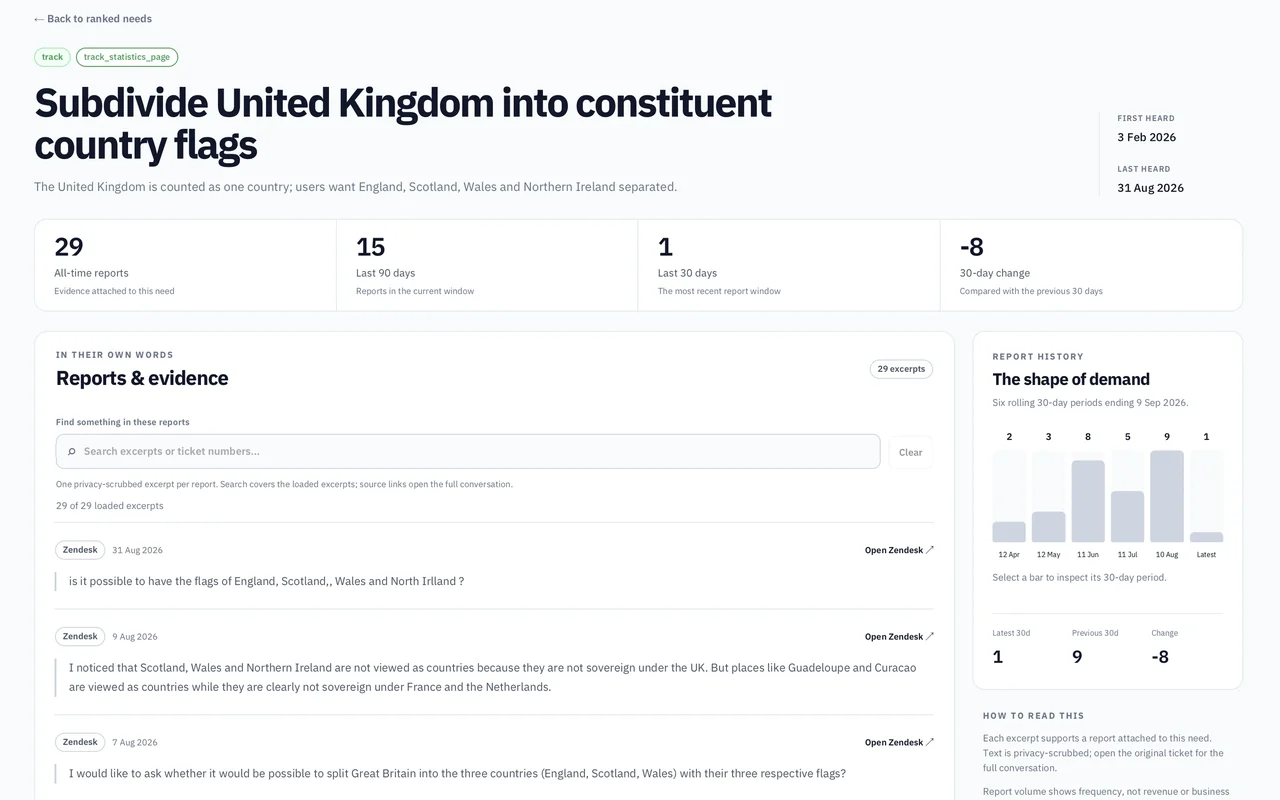
Zapier connects thousands of apps in its cloud, and anyone on your team can build a Zap. Ipek is for work you’d rather have built as code and run on your own computer, without a task meter.
| Aspect | Zapier | Ipek |
|---|---|---|
| Connectors | Thousands of ready apps | Your AI writes the connector it needs |
| Setup | Pick a trigger and actions in the editor | Describe the job to your AI |
| Billing | Successful actions generally count toward task usage; triggers and some built-in steps don’t | No usage billing |
| Files on your computer | Out of reach | Part of the job |
Stick with Zapier if
non-technical teammates build the automations, or the job is a quick trigger from one app to another.
Worth knowing
Ipek starts workflows on a schedule or by hand, not on an incoming event, and needs your computer awake. Webhooks and headless deploy to your own server are coming soon.
Sources · Reviewed October 2026: How Zapier counts tasks
Visual scenarios in the cloud
Ipek vs Make
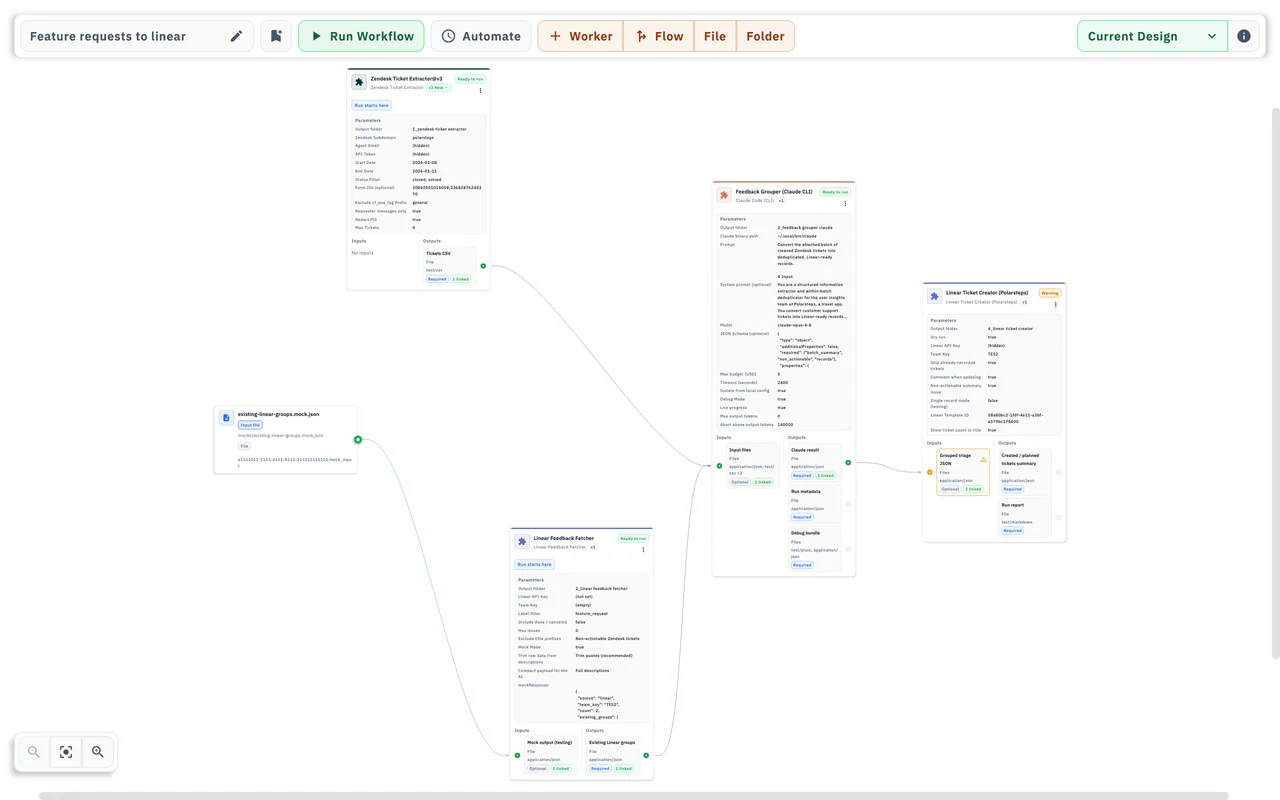
Make builds scenarios on a visual editor in its cloud, with fine control over every branch, billed by usage. Ipek has a canvas too, but your connected AI writes the steps and wires them up, and the runs happen on your computer.
| Aspect | Make | Ipek |
|---|---|---|
| Building | You drag modules and map fields | Your AI writes the steps and wires the canvas |
| Billing | By usage | No usage billing |
| What a run leaves behind | Execution history in Make | Every step’s output, as files |
| Starts without you | Webhooks, app events and schedules | Schedules while Ipek is open; server deploy coming soon |
Stick with Make if
you like building every branch yourself and the work lives entirely in cloud apps.
Worth knowing
Ipek doesn’t support webhooks or instant triggers yet, and runs only while your computer is awake. Webhooks, instant triggers and headless deploy to your own server are coming soon.
Sources · Reviewed October 2026: Make pricing
Internal apps and workflows
Ipek vs Retool
Retool builds internal apps on your databases and APIs, and Retool Workflows runs jobs on a schedule or from a webhook. It’s hosted and priced per seat, made for teams with many internal users. Ipek is a desktop app for your own operations, with no seats to buy.
| Aspect | Retool | Ipek |
|---|---|---|
| Hosting | Retool’s cloud, or self-hosted on enterprise plans | Your computer |
| Pricing | Per user and builder seat | Free |
| Interfaces | Full internal apps with logins and permissions | Dashboards your AI builds |
| Who builds it | You in the editor, with Retool’s AI | Your AI, over MCP |
Stick with Retool if
many people use your internal tools every day and need logins and permissions.
Worth knowing
Ipek has no shared team workspaces yet.
Sources · Reviewed October 2026: Retool Workflows · Retool pricing
The AI that builds in Ipek
Claude Code with Ipek
Claude Code can build the automation either way. With Ipek, it builds inside a project that already has a workflow runner, schedules, saved outputs and dashboards. Without Ipek, you choose and maintain those pieces yourself, or have the model redo the job on every run. Codex and Cursor work the same way.
| Aspect | Claude Code alone | Claude Code + Ipek |
|---|---|---|
| What runs each time | The model, or a script you maintain | The code you reviewed, with model calls only where you configure them |
| Where it runs | Your terminal, or Anthropic’s cloud with Routines | Your computer |
| What a run leaves behind | The conversation and the files it wrote | Every step’s output, saved per run |
| Reviewing the results | The chat, or files you open | Dashboards in the project |
Use Claude Code on its own if
the task needs fresh judgement every time, or you’ll only do it once.
Worth knowing
Ipek has no AI of its own. You connect Claude Code, Codex, Cursor or another MCP client.
Sources · Reviewed October 2026: Claude Code
Your product in Lovable, the operations in Ipek
Lovable with Ipek
Lovable builds the product: a web app with a hosted backend. Ipek handles the work around it, like pulling in feedback and reviews, checking reported mistakes, or the numbers you look at every Monday, and it can read from the same APIs and database your app uses.
Lovable
In Lovable’s cloud
Your app
Customers sign up, use it and send feedback. It all lands in your app’s backend.
Ipek workflow
On your computer
Pulls in what’s new
On a schedule, it reads your backend and APIs, plus app reviews or PostHog events, and sorts what came in.
Ipek dashboard
On your computer
Shows what changed
New requests, what’s growing, and what needs you, each linked to where it came from.
You
Back in Lovable
Decide what to build
Pick the change and ask Lovable’s AI to build it. The next run shows whether it worked.
Then the loop starts again: the app changes, and next week’s run picks up what customers do with it.
Build it in Lovable if
what you need is a customer-facing app, or a tool other people log into.
Worth knowing
Ipek’s dashboards are for you, not an app for your customers.
Sources · Reviewed October 2026: Lovable